
Sharing a Website or a Funnel will allow you to provide a link to a User that will create a copy of your item in their own project simply by clicking on the link.
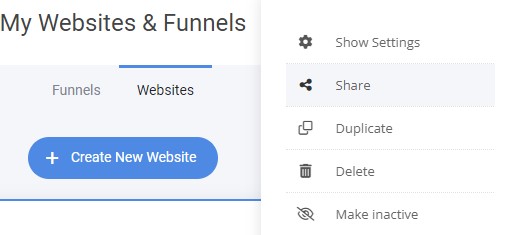
To share a website, open your site builder, click on "My Sites & Funnels" then click on the "Gear" button next to the name of the item you want to share and finally click on "Share".
This will generate a link for you which you can share with anyone. 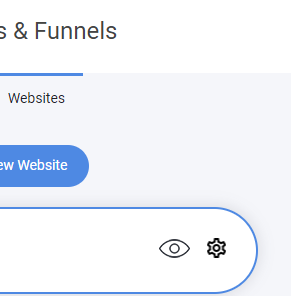

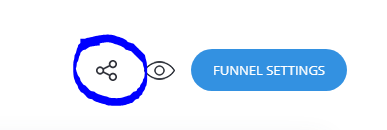
To share a funnel go to your Funnel Steps section and click on the Funnel Share button next to your Preview Button:
Then copy the link and you can now share the funnel with others to create the same funnel like yours.
Tip: You can use this feature to provide specific users with access to the website or funnel design by including the share link in an automation email. This email is sent out once a user fills in their email through a lead generation form or makes a purchase in the store. This method is often employed as a distribution technique when selling website or funnel templates as products.