
The click would trigger a popup with the option to disable/enable the tracking cookies initiated from the website builder.
Note: That setting will only disable the website builder's tracking and NOT any other tracking software on the website.

Your Ideal CMS Platform Build and Sell Without Coding.
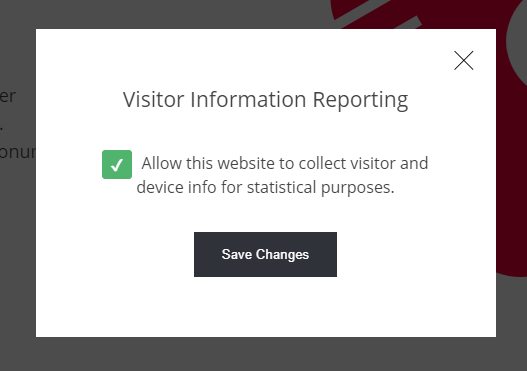
The click would trigger a popup with the option to disable/enable the tracking cookies initiated from the website builder.
Note: That setting will only disable the website builder's tracking and NOT any other tracking software on the website.